Zhinong / Leaf disease identification
Leaf disease identification.
Find clues in a photo.
Upload a clear leaf photo to see the disease classification result. Check it against the affected area, growing conditions and changes over time, bringing image analysis together with field observations.
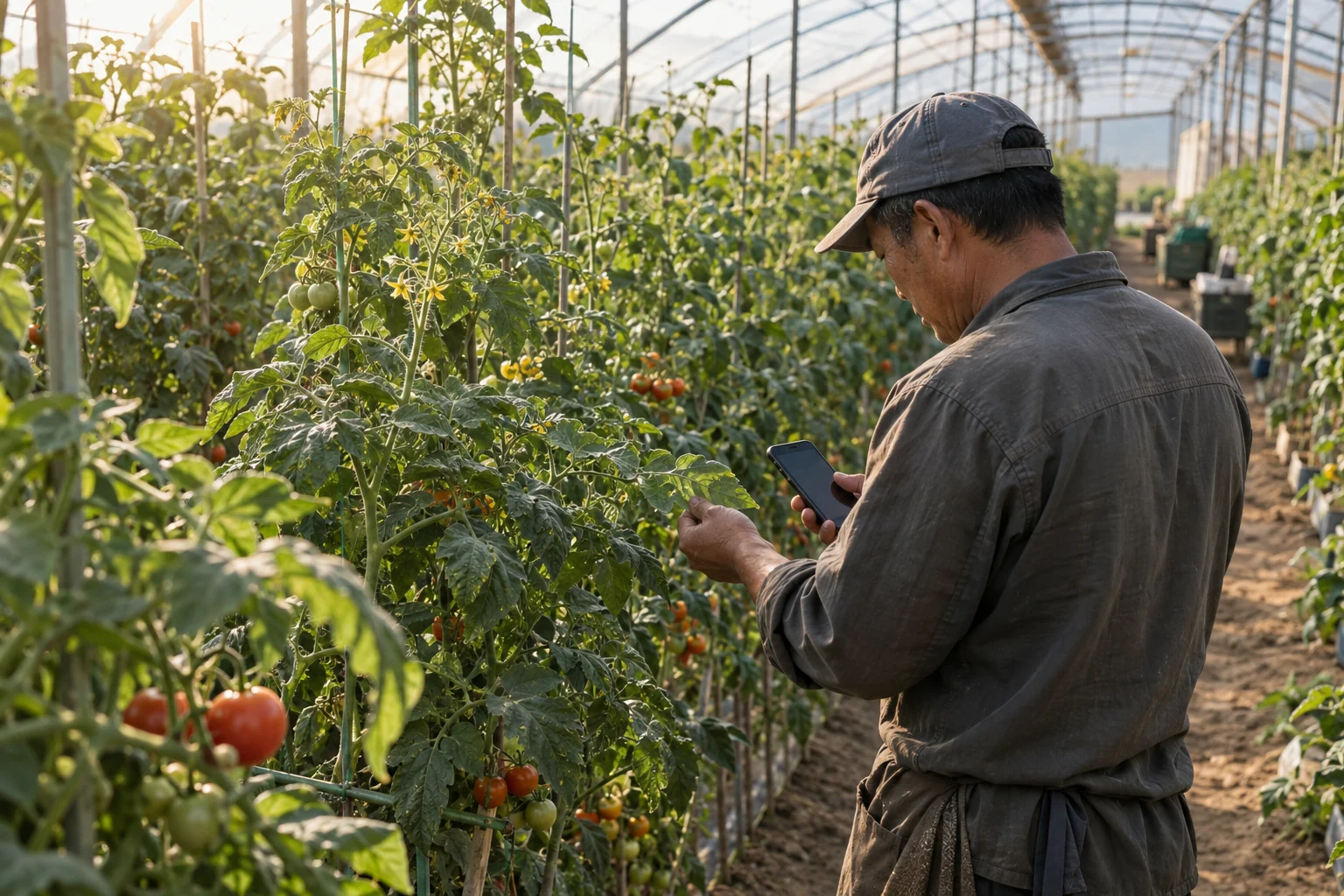
One check, three steps
Give each photo a record you can return to.
Choose a task and take a clear photo
Choose leaf disease identification on the crop checks page and add a leaf photo. Capture the affected area clearly, along with the whole plant and its surroundings.
View the classification result
After submitting, review the class and score returned by the model. Compare them with the original photo and field conditions to decide whether to take more photos or seek further advice.
Save it and follow up
Save the result to your inspection records. Add the plot, observations and actions taken, then document the next changes with photos and notes.
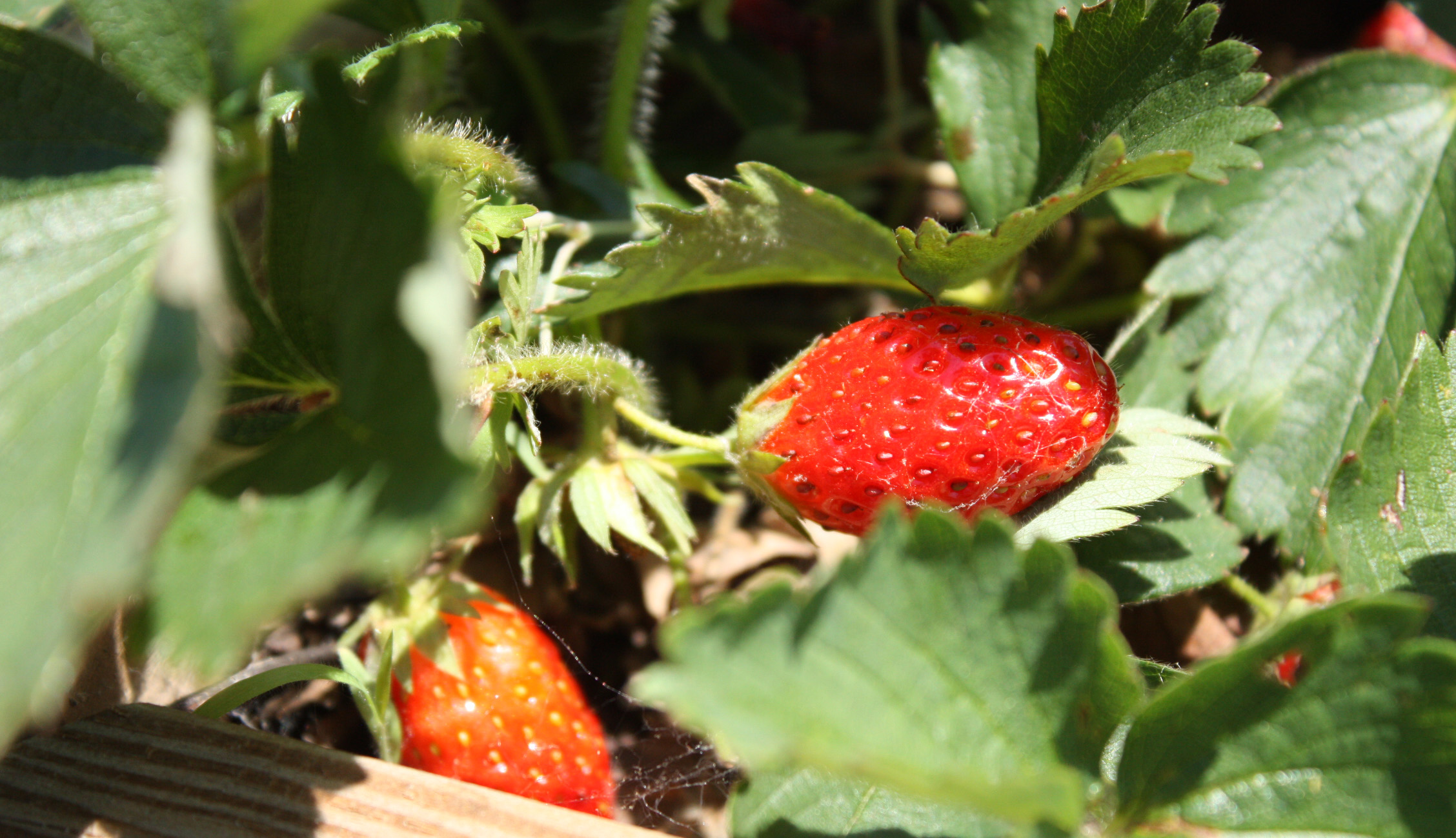
Read the result alongside the field observations
A classification result
needs context from the field.
Leaf disease classification currently uses the existing EfficientViM weights. Results follow the project’s 158 registered output categories, which include diseases, healthy states and other abnormalities.
The model does not cover every disease or pest. A classification score is not a measure of diagnostic accuracy. Ask an agricultural adviser to review the result alongside photo quality, crop conditions and direct observations.
Models and supported scopeRecord today. Compare next time.