Notice the leaf changes.
Care through every stage.
Photograph signs of disease. Keep recognition results, observations and care together in one planting journal.
Explore the 158 output labels and model scope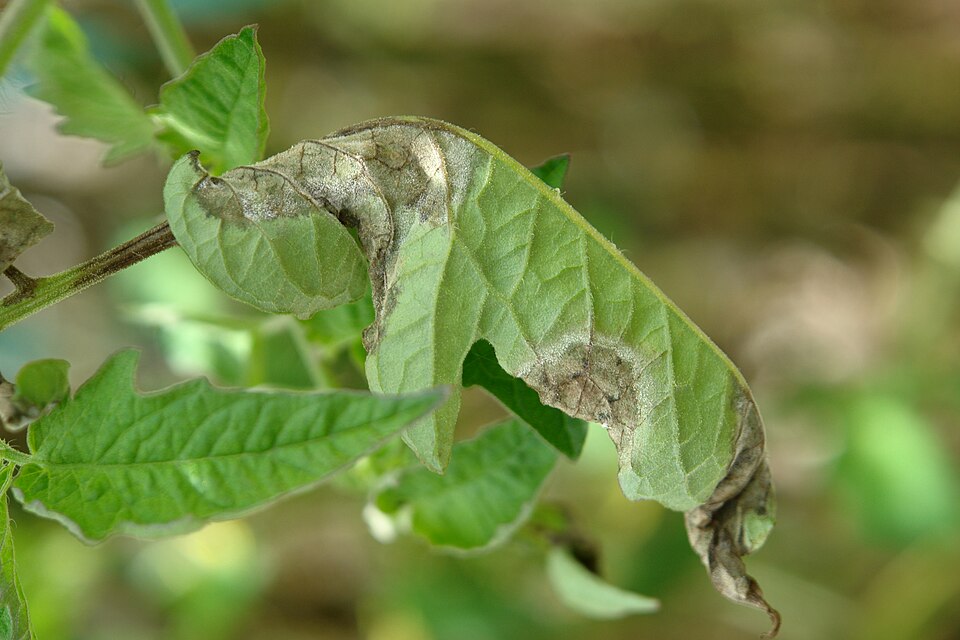
Notice. Record. Follow up.
Clues in the photo. Context in the field.
Upload a clear leaf photo to see the vision model's classification. Check it against the leaf underside, the whole plant and the affected area.
Try my own photoKeep the result with the photo.
Add the crop, plot and when you noticed the issue. Revisit saved photos and recognition results at any time, or bring them to a consultation.
Explore planting journalsThe same plant. Another look.
Schedule a follow-up, add photos and record the care you actually provided. Compare changes over time, beyond a classification label.
Create my planting journalPhoto source and notes
The source describes this as a tomato leaf with late blight. That description comes from the photographer, not our model. This is not a user's planting record. Scot Nelson · CC0 1.0 ↗
Model classification supports image screening, not a confirmed field diagnosis. The 158 output labels include healthy states; scores are not diagnostic accuracy.
Through a whole growing season.
Beyond a single diagnosis.
Record photos, weather and the care you actually provide, starting at sowing. Return to continue where your last observation left off.
Start my growing journalExplore the growing journal