About the project
From a single photo,
to ongoing observation.
A check offers clues. Field records give your next observation a point of reference.
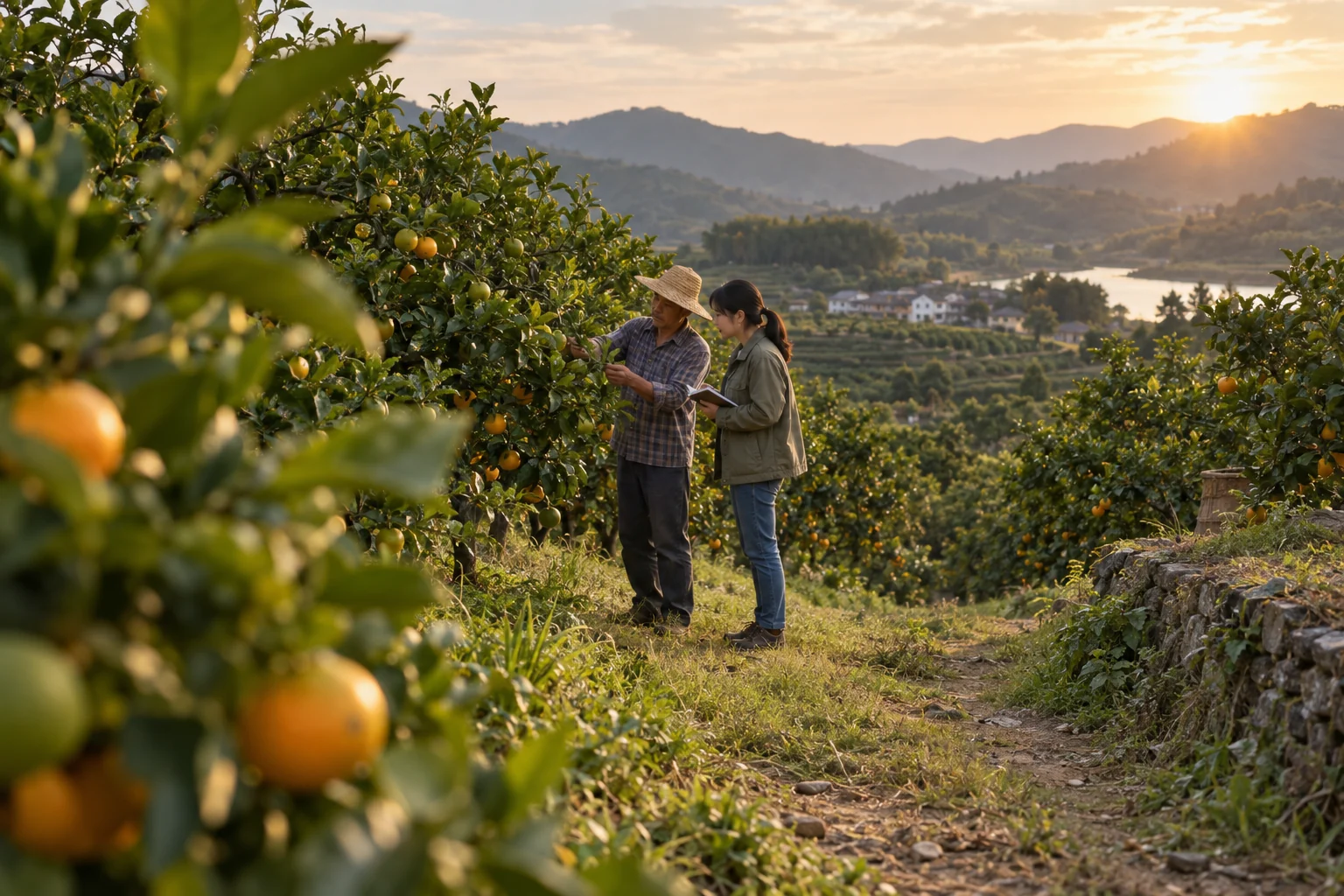
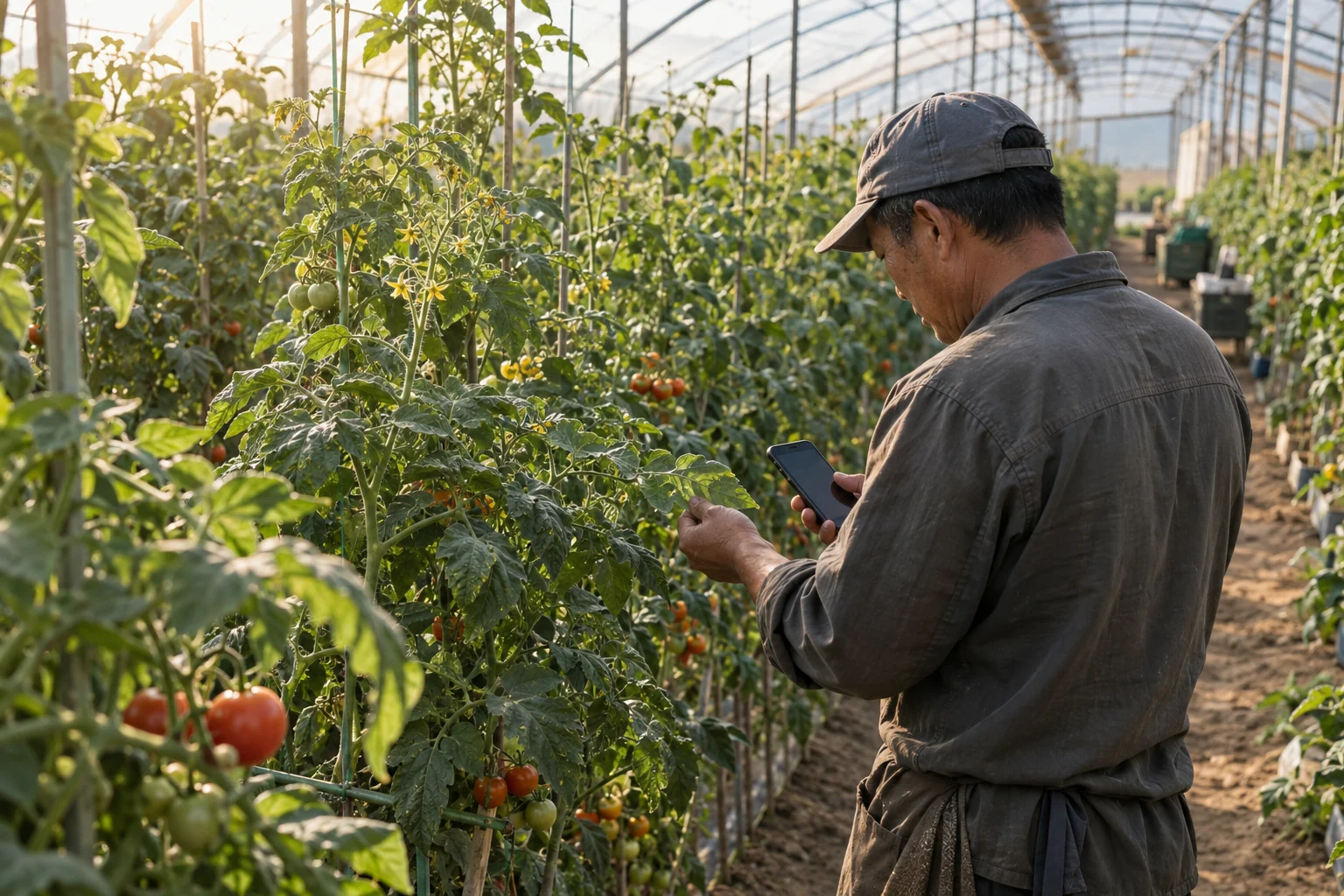
01 / Check the image
Look at the photo,
look for clues.
Select an existing model and upload a crop image. Review its actual output, bounding boxes or class results, then check them against the field observations.
Open crop checks
02 / Record field observations
Keep the place and time
with every observation.
Add the crop, plot, symptoms and affected area to the saved check record. Include these field details when seeking advice.
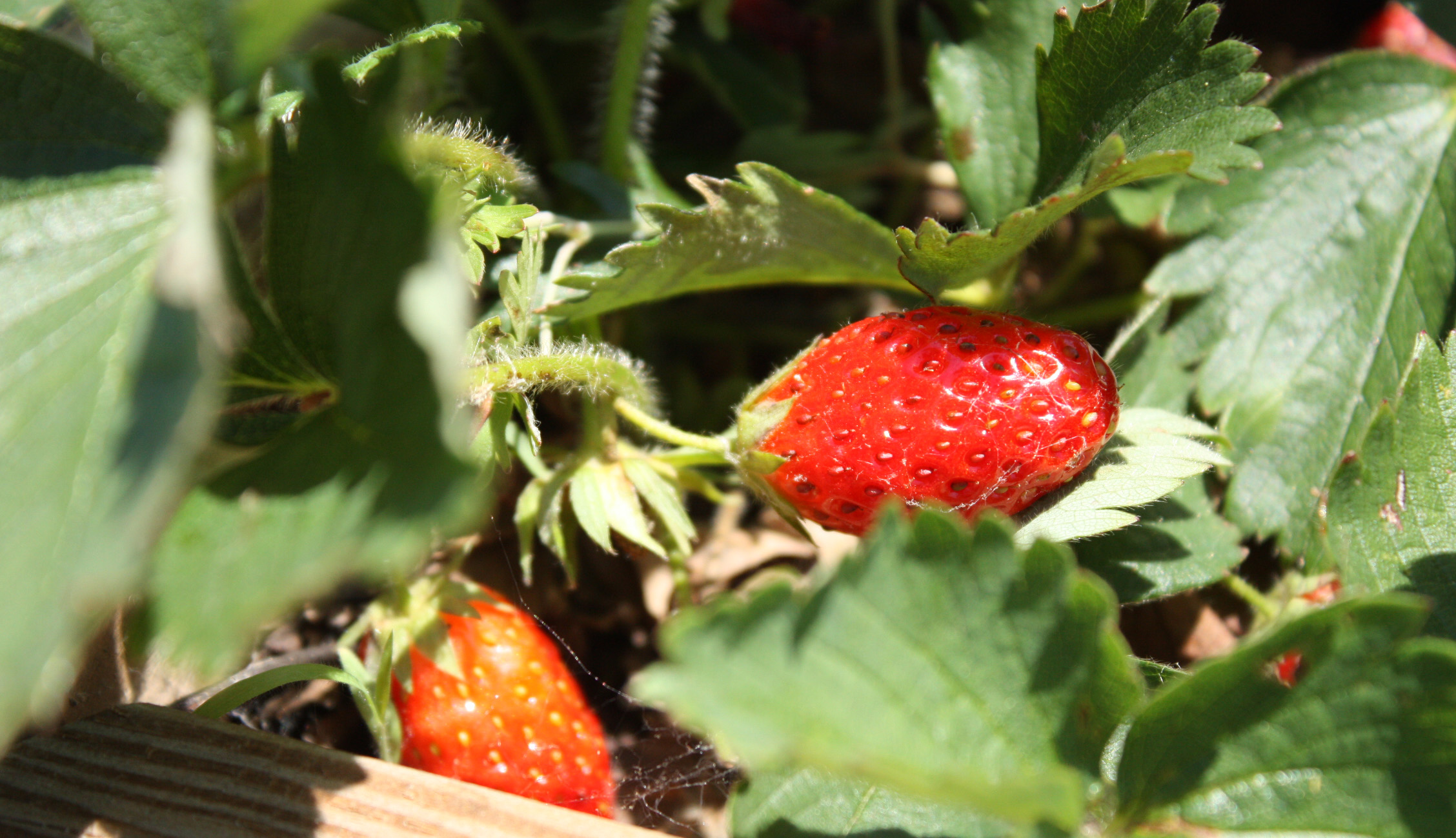
03 / Return and check again
What you did,
and what changed.
Record the actions taken and add follow-up photos and direct observations. Schedule the next check and review changes in the timeline.
Choose a record to follow upSupported scope and validation status
Clear capabilities.
Verifiable results.
This is a computer-vision application prototype. It has not undergone grower field trials or third-party diagnostic certification.
What the current models can do
Leaf disease identification
Use the existing EfficientViM weights to classify leaf photos into disease, healthy and other abnormal states.
The project has a complete registered label table of 158 categories, indexed from 0 to 157, which is used to display inference results. Some display names are repeated, and the original training class order has not yet been independently verified.
Disease identification results require review by an agricultural adviser with field context. Without independent validation, they cannot support a claim of diagnostic accuracy.
Locate and count fruit
Use the RISNet-based implementation to view the distribution of targets in the image.
Fruit-specific detection
Select the existing YOLO weights for the fruit type. All six weight sets detect a single class and return bounding boxes and counts; they do not distinguish multiple ripeness stages.
Video analysis and the server camera are available in the extended tools on the detection page. Use the separate photo entry point for pictures taken on a phone.
Training and online service requirements
Lightweight YOLO fine-tuning
After you submit a correctly structured dataset ZIP, training runs in the background and saves the weights, metrics and result plots it actually produces. Available models, dataset sizes and epoch counts are shown on the training page.
A separate online consultation service
The service requires a correctly configured endpoint, API key, available model and valid service quota. If a request fails, the input is retained and the reason is shown.
Check records store the model output; consultation advice is generated by a separate service.
How to demonstrate the project for research or graduation
- Choose a task and explain the model used and its supported scope.
- Upload a representative sample and check that the output matches the input.
- Open a record, add field details and save a follow-up check to show the information actually retained.
- Open disease consultation and show how a field description adds context to the image.
- Present the dataset, model training and experimental conditions as needed.
What still needs validation before practical use
Model scores are not field diagnostic accuracy. Performance on laboratory images does not directly represent performance under different lighting, varieties, or regions.
Testing still needs real samples confirmed by agricultural advisers, with records of incorrect results, missed cases and difficulties growers face when using the site. Similar visual symptoms can have different causes; treatment decisions should follow local agricultural guidance.